创建可复用的 AI 提示词
可测试、保存并分享
将任务变成可使用变量的 AI 提示词模板,用真实输入测试后,再保存、分享、运行或嵌入团队所需的工作流。构建一次,填写变量,在 AI 工作发生的地方运行或粘贴。
模板:
实时模板
填写表格:
AI 生成的输出
A clearer PromptVar workflow
From a prompt idea to a repeatable workflow
Discover reusable templates, adapt them with local variables, then take the same work wherever your team needs it.
01
Find a starting point in the public gallery
Browse real public templates, see how their variables are shaped, and choose a workflow worth making your own.
Browse public templates02
Turn a useful prompt into a template
Replace repeated details with typed variables and create a useful sample result locally. This result does not call a provider or spend credits.
Template
Local result
Deterministic local result only. No provider request or credits are used.
Fill the core variables, then create a local result here.
03
Use the same library where work happens
PromptVar connects your web library to supported workflows without hiding where account access or owner usage controls apply.
Web app
Create, test, and manage reusable templates in the PromptVar web app.
Chrome side panel
Browse, fill, detect, and paste templates inside supported AI chat sites.
Learn about the extensionWebsite embed
Offer a prompt-powered form on the exact websites you configure.
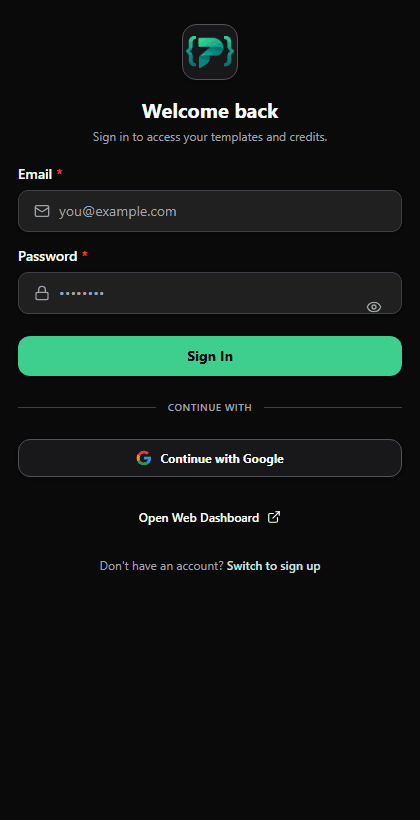
The genuine Chrome side-panel surface, shown left-to-right so its controls remain recognizable.
Website embed is allowed only on the exact owner-selected HTTPS origins configured for that form; runs use the owner PromptVar credits and configured daily cap.
信任中心:您可以验证什么
PromptVar 强调可见的提示词执行、清晰的积分或 BYOK 行为、工作区控制,以及在依赖流程前可检查的扩展权限。
计费模型:为您自己的提供商提供 PromptVar AI、BYOK 积分。
PromptVar 模式根据模型/输出复杂性消耗积分。
BYOK 模式使用您的 API 密钥并且不消耗 PromptVar 积分。
隐私
个人资料和工作区控件可在应用程序内使用,并具有明确的帐户和积分可见性。
扩展权限
扩展访问范围仅限于受支持的 AI 聊天网站,因此可以在您工作的地方插入提示。
AI 限制
提示输出可能因型号/提供商而异。您可以重新运行、调整变量并快速改进输出。
可靠性信号
关键流程提供加载、失败和重试状态,而不是静默停顿。