Create Reusable AI Prompts
You Can Test, Save, and Share
Turn a task into a variable-ready AI prompt template, test it with real inputs, then save, share, run, or embed it in the workflow where your team needs it.Build once, fill variables, execute or paste wherever your AI work happens.
Template:
Live Template
Fill the form:
AI Generated Output
A clearer PromptVar workflow
From a prompt idea to a repeatable workflow
Discover reusable templates, adapt them with local variables, then take the same work wherever your team needs it.
01
Find a starting point in the public gallery
Browse real public templates, see how their variables are shaped, and choose a workflow worth making your own.
Browse public templates02
Turn a useful prompt into a template
Replace repeated details with typed variables and create a useful sample result locally. This result does not call a provider or spend credits.
Template
Local result
Deterministic local result only. No provider request or credits are used.
Fill the core variables, then create a local result here.
03
Use the same library where work happens
PromptVar connects your web library to supported workflows without hiding where account access or owner usage controls apply.
Web app
Create, test, and manage reusable templates in the PromptVar web app.
Chrome side panel
Browse, fill, detect, and paste templates inside supported AI chat sites.
Learn about the extensionWebsite embed
Offer a prompt-powered form on the exact websites you configure.
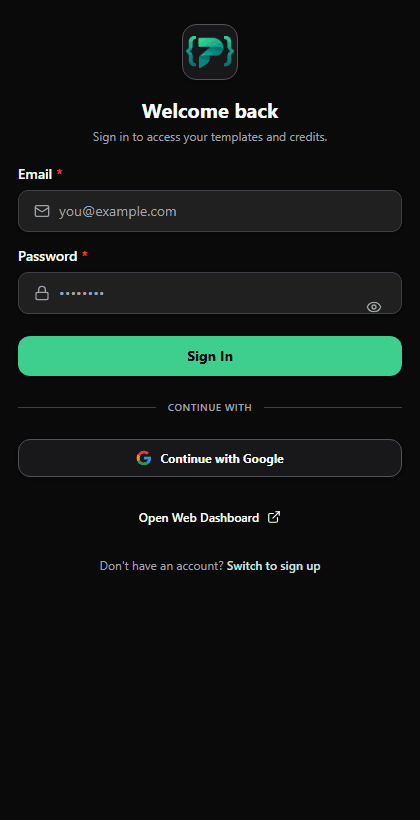
The genuine Chrome side-panel surface, shown left-to-right so its controls remain recognizable.
Website embed is allowed only on the exact owner-selected HTTPS origins configured for that form; runs use the owner PromptVar credits and configured daily cap.
Trust Center: What You Can Verify
PromptVar is built around visible prompt execution, clear credit or BYOK behavior, workspace controls, and extension permissions you can inspect before relying on a workflow.
Billing model: credits for PromptVar AI, BYOK for your own providers.
PromptVar mode consumes credits based on model/output complexity.
BYOK mode uses your API key and does not consume PromptVar credits.
Privacy
Profile and workspace controls are available in-app with explicit account and credits visibility.
Extension Permissions
Extension access is scoped to supported AI chat sites so prompts can be inserted where you work.
AI Limitations
Prompt outputs can vary by model/provider. You can rerun, adjust variables, and improve outputs quickly.
Reliability Signals
Critical flows provide loading, failure, and retry states rather than silent stalls.